David Both
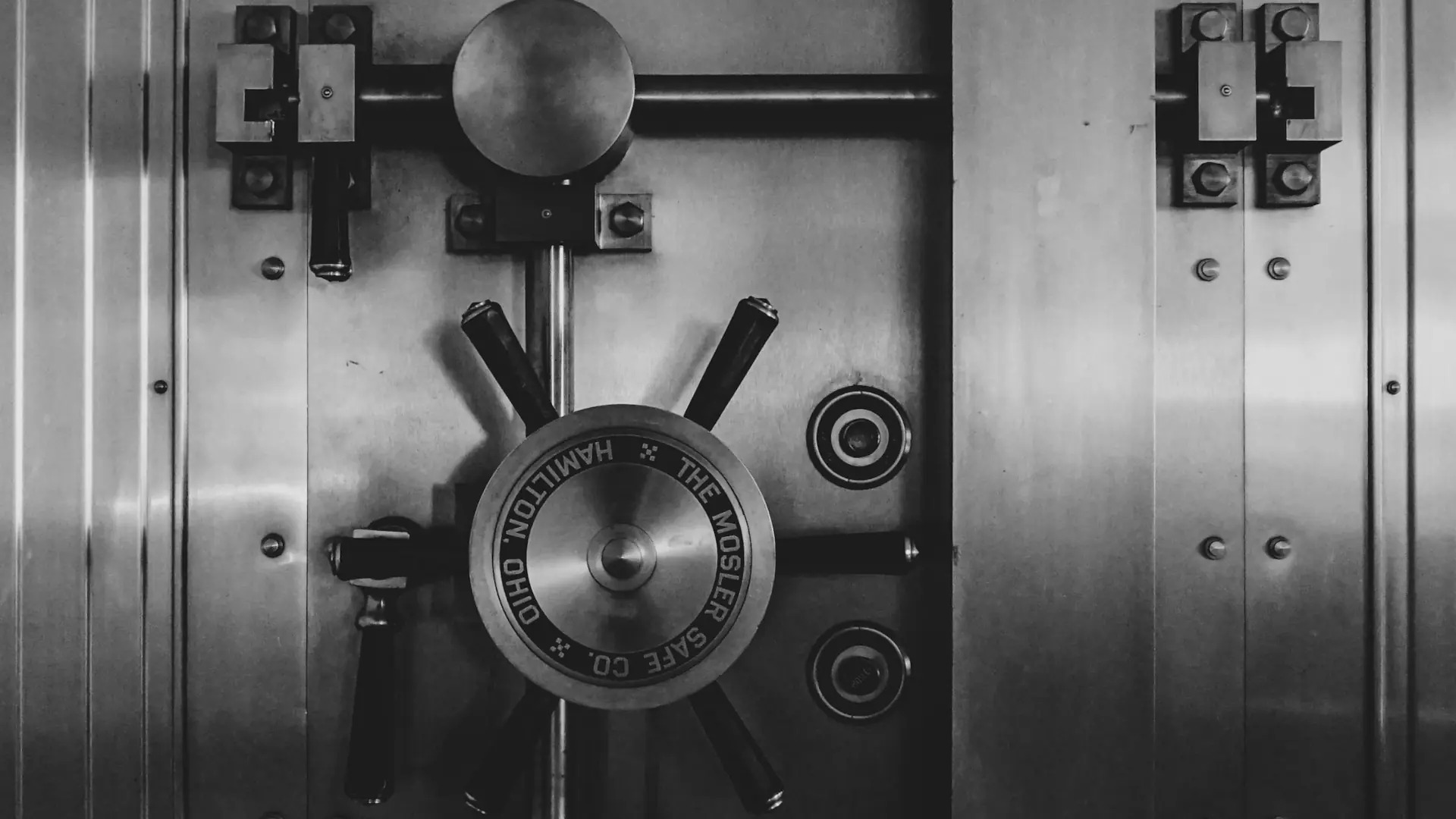
Photo by Jason Dent on Unsplash
Malware attacks are becoming more sophisticated, and ransomware attacks especially so. The latest round of ransomware doesn’t just encrypt the data on your hard drive, it makes it impossible to recover using backups.
This article on BleepingComputer describes the latest twist. Ransomware now encrypts you’re backups as well. This means that whether you pay or not, and whether you receive the encryption key from the ransomers, you can no longer count on your backups as a recovery option.
What you can do
I’ve been following a specific backup strategy for as long as I’ve been making backups, and it will not only improve the odds of surviving a ransomware attack, it can serve to provide an early warning system. And it’s really simple. Really, really simple.
I’m assuming that, since you’re reading this article, you’re making backups. But do you actually test those backups to ensure that they are usable? I do, every time. Plus I use multiple backups. I have a large internal hard drive, and an external USB hard drive.
I have a schedule on which I take the USB backup drive to my safe deposit box. But, before I do that, I check it to see if I can restore some critical files to my systems. This ensures that the files on the backup drive can be read and copied to another drive or system.
I also check the internal, non-removable drive.
However, the key point here is that I keep at least one tested backup offline with a significant air gap and not accessible to anyone at all times. I use 4 external hard drives in regular rotation, so I have 3 backups that have all been tested and which are known to be good.
It’s simple, easy, and not very many organizations do it. There’s always the assumption that the backups are fine. Don’t fall into that trap.

 Don Watkins