Don Watkins
Photo by <a href="https://unsplash.com/@lajaxx?utm_source=unsplash&utm_medium=referral&utm_content=creditCopyText">JACQUELINE BRANDWAYN</a> on <a href="https://unsplash.com/photos/white-concrete-building-under-blue-sky-during-daytime-_vJKbC4DqpY?utm_source=unsplash&utm_medium=referral&utm_content=creditCopyText">Unsplash</a>
I was volunteering at the local public library, where I find myself frequently these days. The library has some older Dell OptiPlex All-in-One desktops that have been in service for over 10 years. They came to the library as Windows 8 machines. The computers were delivered to the library in January 2015, and they have functioned well over the past eleven years. They’re currently running Windows 10 Professional, but since that is no longer supported, this public library and countless others around the world are being forced to upgrade.
These computers have quad-core i5 CPUs with 8 GB RAM. They don’t meet Windows 11’s specifications, so they’re rendered obsolete by the operating system’s choice. The computers have 240 GB hard disks. But if you’re willing to think differently, you can save your library and other libraries around the world thousands of dollars and provide a teachable moment for your patrons by installing Linux on them. Recently, I wrote about using immutable Linux distributions for just this purpose, and in this case I chose Linux Mint MATE.
I created a USB drive with Linux Mint MATE and brought it with me to the library. I took one of these older Optiplex all-in-ones that the library director had supplied for my use and testing, and installed Linux Mint MATE on it very quickly. Then I followed Seth Kenlon’s excellent article on how to create a special library user that would reset itself each time the computer is restarted so that no patron files would be left on the machine.
I used a text editor to edit the /etc/fstab file on the computer to add the following line to the file:
tmpfs /home/libraryguest tmpfs rw,nosuid,nodev,size=2G 0 0Then I mounted the drive using the following command:
$ sudo mount /home/libraryguestThen I created a user for that newly created volume:
$ sudo useradd --home-dir /home/libraryguest libraryguestI created a password for that library patron user and rebooted.
$ sudo passwd libraryguestAfter rebooting, the new libraryguest login prompt was there on the display.
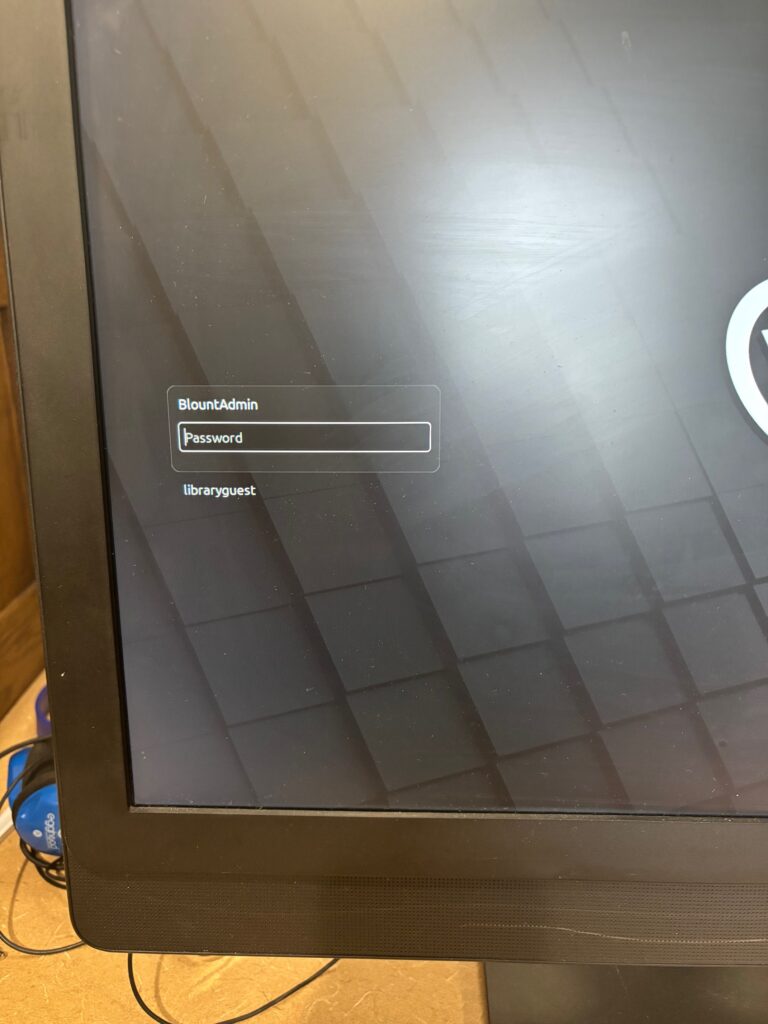
My new patron login has a simple password (“library”) that’s easy to remember. I opened a terminal and created three files using the touch command:
$ touch one
$ touch two
$ touch three
I opened LibreOffice Writer and saved a word processing file to the Documents folder.
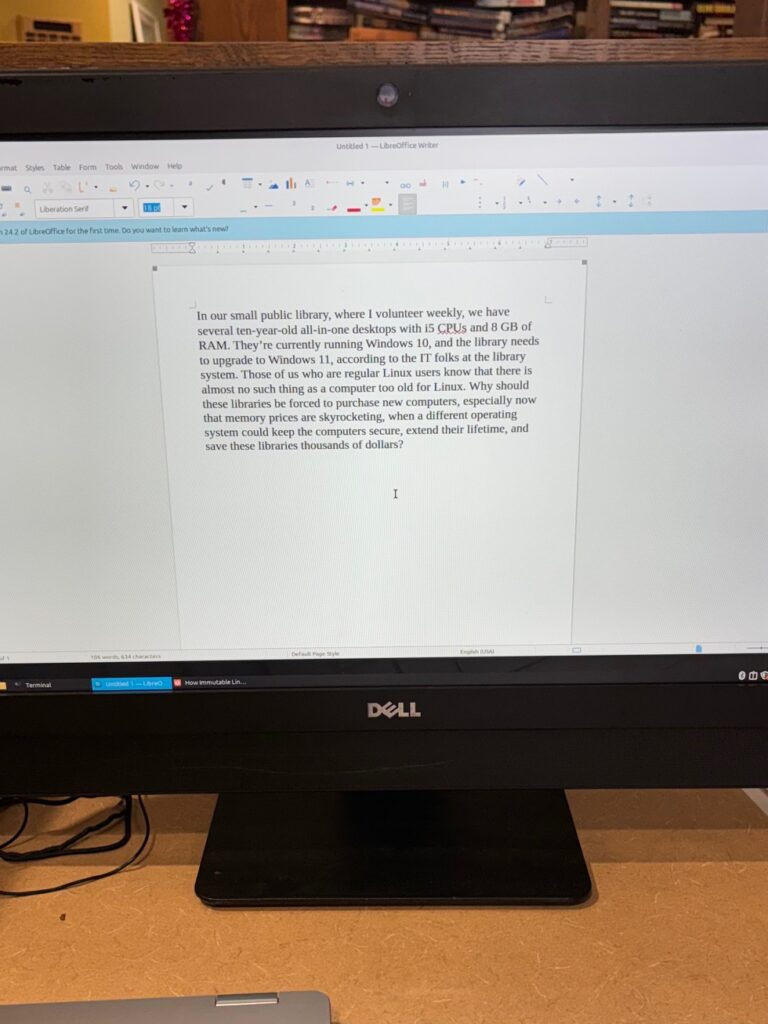
I rebooted the computer and logged in to the libraryguest account again, and all the files I had created were gone, just as intended.
Public libraries were created so people of all incomes and backgrounds could access books, information, and learning resources. Learning about Linux and open source software is one of those learning resources. I installed many other open-source programs on the computer as the administrative user, which are available to the library patron user. Some of those were Stellarium, Audacity and Gimp. Linux Mint MATE provides easy access to over 60,000 free software packages and 7,800 games through its Software Manager.
Free and open source software has always been about more than code — it’s about expanding access to knowledge. By installing Linux Mint MATE on a decade‑old library computer, we didn’t just extend the life of a single machine. We demonstrated that learning doesn’t have to be gated behind expensive upgrades or proprietary systems. Public libraries exist to level the playing field, and free software aligns perfectly with that mission. It invites curiosity, encourages experimentation, and gives every patron — regardless of income — the chance to explore powerful tools used by professionals worldwide.
In an era when technology is often disposable and locked down, open source offers a different path: one rooted in sharing, transparency, and community. Reviving these older OptiPlex machines shows that libraries can remain places where people discover not just information, but also the freedom to shape their own digital environment. That’s a lesson worth passing on.
Special thanks to Seth Kenlon, who designed this solution