Last Updated on July 25, 2026 by David Both
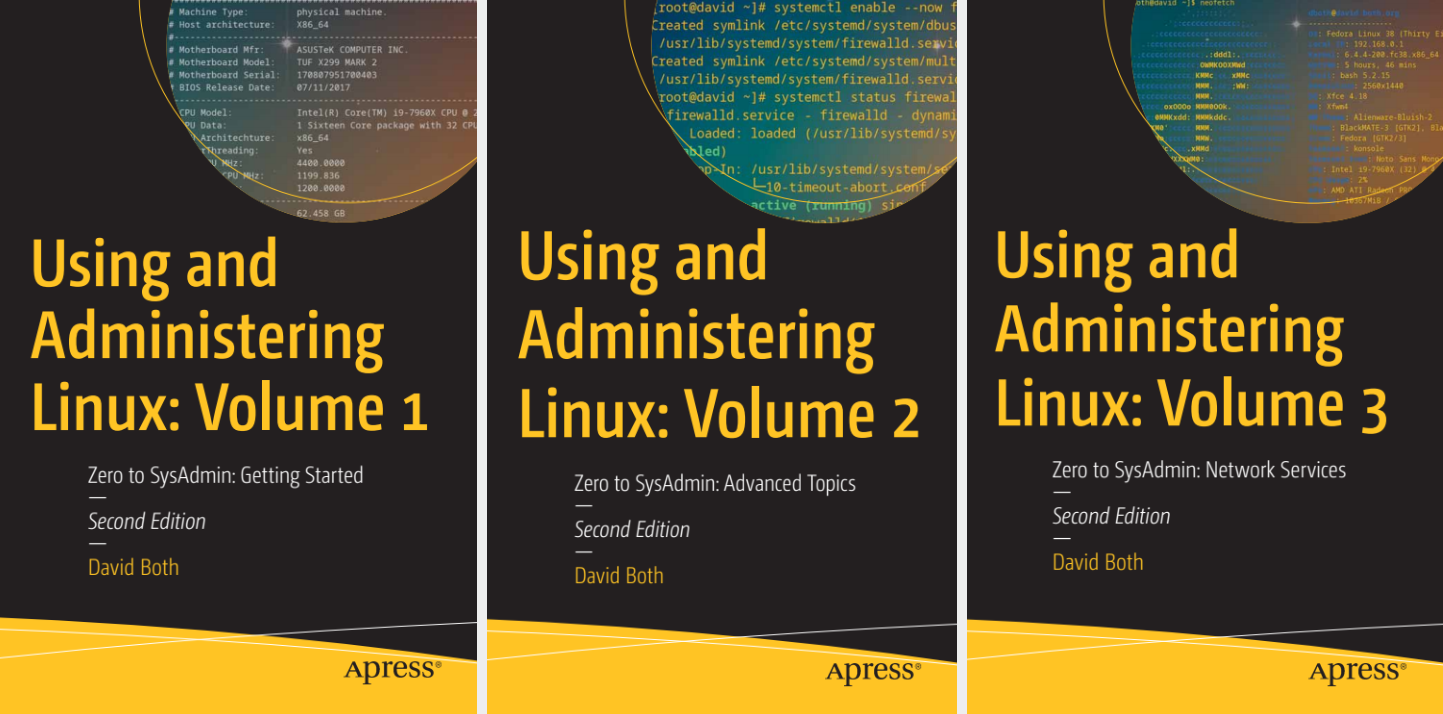
This page contains errata for the 2nd Edition of my Using and Administering Linux three-volume set of books.
I’m sure there are more errors than have been reported so far. If you encounter an error, please email me at LinuxGeek46@both.org. I’ll keep this as up to date as possible.
Fedora 43 installation breaks my books
Well, it really only breaks the some of the experiments the 2nd Edition of my “Using and Administering Linux“ series. This includes ones in all three volumes of this series that deal with filesystems.
The problem
Except for Fedora 43 Server, Fedora 43 only installs the BtrFS filesystem and provides no options for others such as the Logical Volume Management (LVM) and EXT4 configurations I specify in the books. I’m currently working with my editors at Apress to determine how best to handle this problem for the long term.
The best solution
Use the instructions in my article, The Fedora “Everything” 43 Image Changes Everything, to use the Fedora Everything ISO image. In the section, “Software Selection,” just choose the Xfce desktop in the left column and make no changes to the right column. This gives the same results as using the Xfce ISO but allows you to create the proper EXT4 filesystems on an LVM base.
Just be sure to use the filesystem structure and sizes shown in Table 5-1 on Page 138 of Volume 1.
| Mount Point | Partition | Filesystem Type | Size (GiB) | Label |
|---|---|---|---|---|
| /boot | Standard | EXT4 | 1.0 | boot |
| /boot/efi | ||||
| / (root) | LVM | EXT4 | 2.0 | root |
| /usr | LVM | EXT4 | 15.0 | usr |
| /home | LVM | EXT4 | 2.0 | home |
| /var | LVM | EXT4 | 10.0 | var |
| /tmp | LVM | EXT4 | 5.0 | tmp |
| Total | 35.00 |
An alternate solution
As an alternate solution, I suggest that, rather than using Fedora 43, you install Fedora 42 on the VMs you create for the experiments in the course and work with that. Be sure to use the LVM and EXT4 filesystem combination specified in the partitioning instructions of Chapter 5. This should work perfectly for the foreseeable future.
Upgrade to Fedora 43 (Optional)
The good thing about upgrades, such as from Fedora 42 to Fedora 43, is that they don’t change the filesystem structure. Therefore, you can upgrade your VM from Fedora 42 to Fedora 43 and all of the experiments should work properly. You can read about performing version upgrades here.
Downloading Fedora 42 Xfce
Fedora 42 is no longer directly downloadable from the Fedora downloads website. But you can download the Fedora 42 Xfce ISO image needed for this course from Both.org, or from the Fedora mirror service.
I hope this solution works for you.
Errata Affecting All Volumes
Some commands that previously worked for non-root users no longer do. This has been changed because the results of running those commands as a regular user could be used in attempts to crack into the system. This is a definite improvement in security, but some of the experiments need to be modified a bit.
dmesg Errors
Changes to the dmesg command so make it more secure mean that only the root user can access that data. All non-root users see is an error message.
dboth@essex:~$ dmesg
dmesg: read kernel buffer failed: Operation not permitted
The objective with the use of dmesg is usually to create a large data stream that can be saved as content of a file used for testing. The actual data doesn’t matter. Use the following command instead to create a file with a large amount of data.
$ dd if=/dev/urandom bs=2048 count=500 | od > test.fileThis command extracts 1 MegaByte of data from the the urandom device special file and redirects the data stream into the specified file. Just change the name of the target file to the one in the experiment. There will be more on all of this later in the course.
Volume 1
- Page 99-100: Although I suggest using an external USB storage device for your experiments, you can also use an internal device that has at least 300GB of storage available and which can be partitioned and allocated for use by the virtual machines. Depending upon the current partitioning of your storage device, and the choices you make when creating space for the VMs, the device may be different than shown in the book. You’ll need to make adjustments for that as you perform the experiments pertaining to creation of the VMs.
- Page 341, Experiment 12-12, “Keeping Old Kernels.” The dnf.conf file has changed and all entries removed except the comment that refers you to the man page for dnf.conf. So there’s no content to change as stated in the experiment. Just add the line as it appears in the experiment.
- Page 472: Experiment 16-1, the file /boot/grub2/i386-pc/boot.img no longer exists due to changes in how GRUB uses the configuration files. Use the file /usr/lib/grub/i386-pc/boot.img here and in other places where the file /boot/grub2/i386-pc/boot.img is specified. This is the case on Page 473 also.
Volume 2
- Chapter 24 Special Filesystems, page 125, section Thrashing, second paragraph, “If you can manage to issue a command like free that shows CPU load and memory usage, …” The command free does not show CPU load. Thanks to Ivan Krajčer for letting me know about this error.
- Chapter 30, Automation with Ansible, Page 327, in Experiment 30-3, The ssh-keygen command now creates a public/private ed25519 key pair instead of the RSA pair that it previously did. This does not affect the results of this experiment or any of the following ones. Thanks to Ivan Krajčer for informing me of this change.
root@f42vm:~# ssh-keygen -b 2048
Generating public/private ed25519 key pair.
Enter file in which to save the key (/root/.ssh/id_ed25519):
Enter passphrase for "/root/.ssh/id_ed25519" (empty for no passphrase):
Enter same passphrase again:
Your identification has been saved in /root/.ssh/id_ed25519
Your public key has been saved in /root/.ssh/id_ed25519.pub
The key fingerprint is:
SHA256:F8AyZp5aTiocdwe7KDKN2NO9HTmUZyyGK1Rnktz1otI root@f42vm.both.org
The key's randomart image is:
+--[ED25519 256]--+
|     . +...      |
|      @ =. .     |
|     = @ oo .    |
|  . o O.*.+o     |
|.= = X.*E=.      |
|= B * =.+.       |
| o + . o o       |
|      . .        |
|                 |
+----[SHA256]-----+
root@f42vm:~#
Chapter 30, Automation with Ansible, Page 332, in Experiment 30-5: The path to the ansible hosts file is incorrect. It should be /etc/ansible/hosts, not /etc/hosts which is the system hosts file. Thanks to Antwan Becket, one of my readers for pointing this out.
Volume 3
None at this time.