 Don Watkins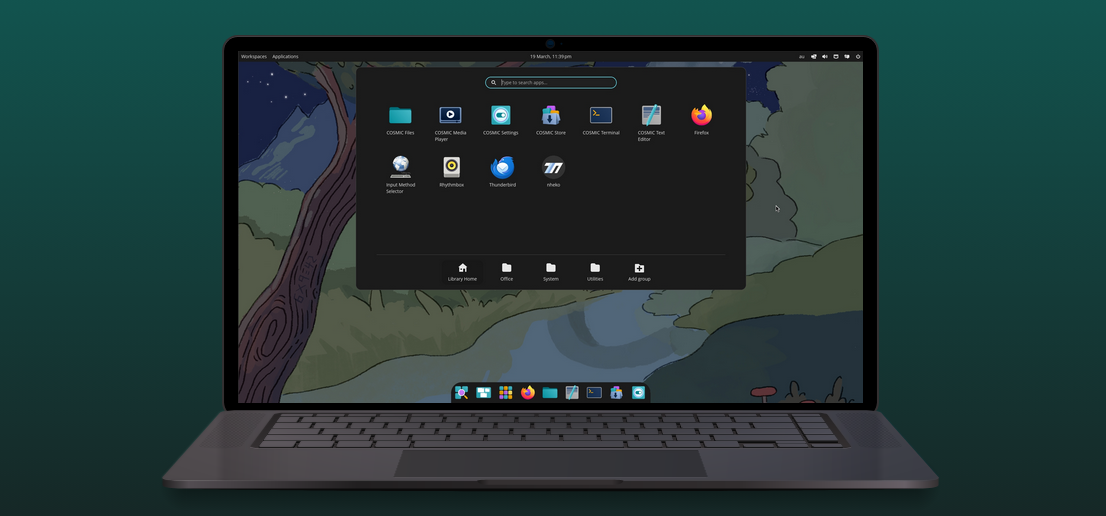
I have been doing a lot of reading and listening to YouTube videos about immutable distributions and why they might offer the most flexibility for developers and tinkerers like me. I have been experimenting with Fedora Silverblue, NixOS, and traditional distributions like Linux Mint, Ubuntu 24.04, and Fedora 43. I was looking for ways to use ten-year-old Dell All-in-one desktops in the local public library.
After my experimentation, I decided to stick with Fedora Cosmic Atomic because I really love the Cosmic desktop. In the past week, I’ve become more familiar with an immutable desktop and how it might fit into my workflow. One of the difficulties I have had is connecting my Brother MFC-L3780 laser printer to this new environment. Traditional Fedora and Linux Mint were easy for me to connect to and use for the occasional printing that I needed. But what about this new environment? I did some reading and research and went to the Brother website, where I downloaded the drivers and other necessary files. Study and reading informed me that I needed to download the driver install tool and the Linux printer driver. These are RPM files. I saved them in my Downloads folder.
The download was:
$ linux-brprinter-installer-2.2.6-0That file has to be executed to open the file containing the necessary RPM files. I had to change it to an executable file first.
$ chmod +x linux-brprinter-installer-2.2.6-0
Then execute the file:
$ sudo ./linux-brprinter-installer-2.2.6-0
The resulting RPM files are:
mfcl3780cdwpdrv-3.5.1-1.i386.rpm
brscan5-1.3.10-5.x86_64.rpm
brscan-skey-0.3.2-0.x86_64.rpm
Each of these is installed with rpm-ostree.
rpm-ostree mfcl3780cdwpdrv-3.5.1-1.i386.rpm
rpm-ostree brscan5-1.3.10-5.x86_64.rpm
rpm-ostree brscan-skey-0.3.2-0.x86_64.rpm
$ rpm-ostree mfcl3780cdwpdrv-3.5.1-1.i386.rpmWe are now ready to install the printer using CUPS after the software was installed:
http://localhost:631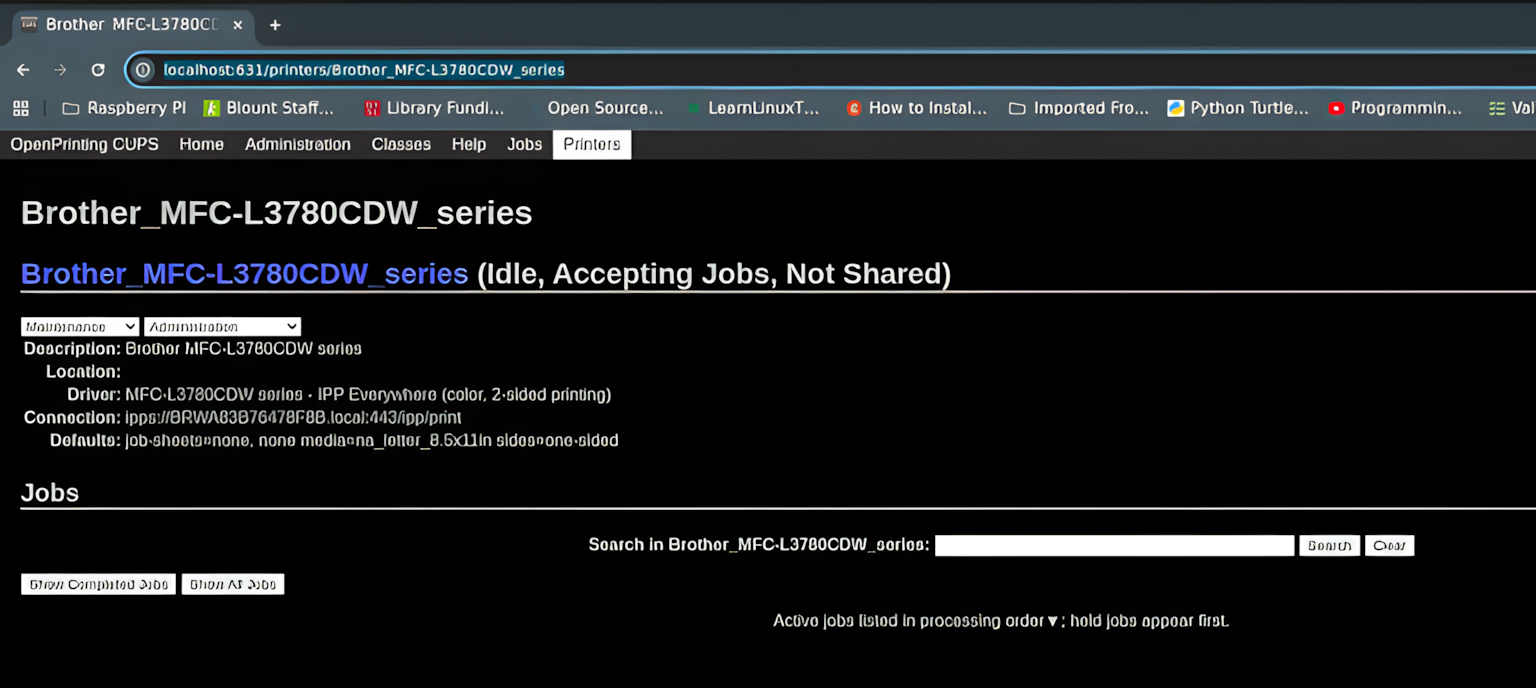
Getting my Brother MFC‑L3780 printer working was the final test. While it required a bit more manual effort than on traditional distributions, the process was straightforward once I understood how rpm‑ostree fits into the picture. With the correct drivers installed and CUPS configured, everything now works seamlessly. It’s reassuring to know that even in an immutable environment, I can still rely on the tools and hardware I need.
As I continue exploring what Cosmic Atomic can do, I’m feeling more confident that this setup strikes the right balance between stability, experimentation, and day‑to‑day practicality.


 Martin Kalin