Extend the life of your Linux SSD drive with fstrim
 Alan Formy-Duval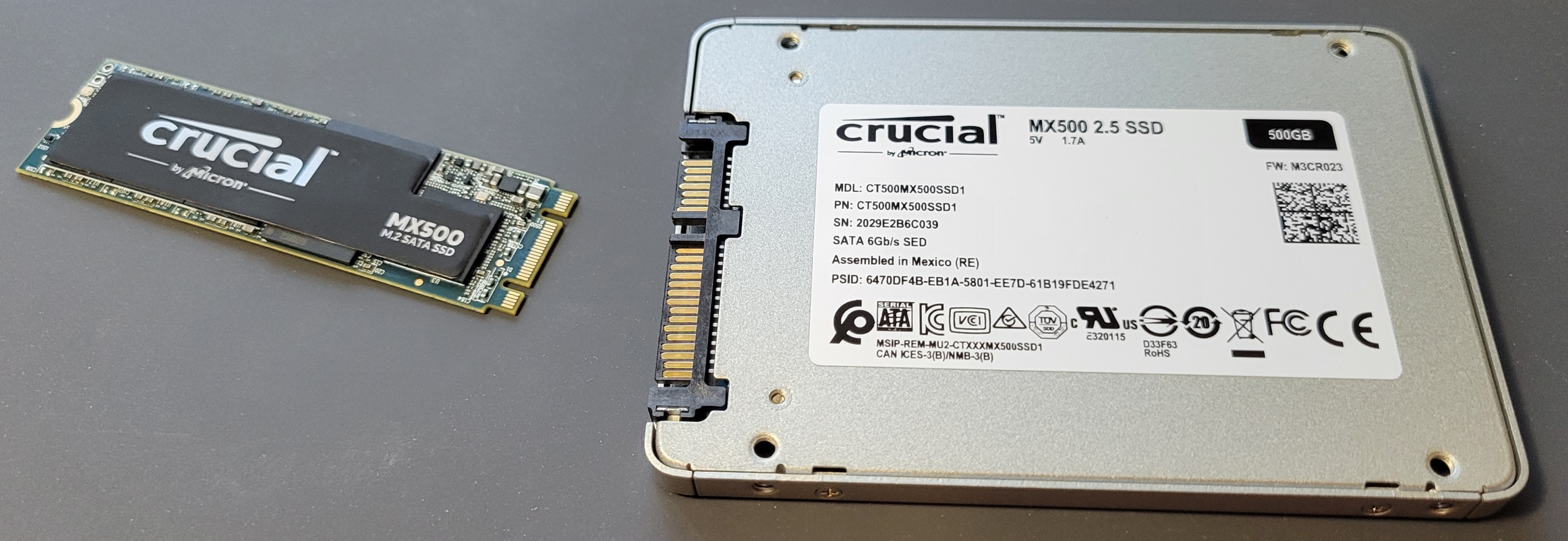
Over the past several years, solid-state drives (SSD) have become the standard form of data storage. Mechanical drives can still be purchased if very large capacities are your need. SSDs have benefits over their mechanical spinning ancestors like silent and cooler operation and a faster interface spec. Of course, new technology brings with it new methods of maintenance and management. SSDs have a feature called TRIM. This is essentially a method for reclaiming unused blocks on the device, which may have been previously written, but no longer contain valid data and therefore, can be returned to the general storage pool for reuse.
The TRIM service
Fedora introduced the trim service into their Linux distribution in release 32, and it is enabled in all current releases. This service is not unique to Fedora. The existence and status will depend on an individual distribution basis.
Test
The service can be tested to better understand what is happening behind the scenes. I do this by opening a terminal and issuing the command to show the help on my Fedora 39 Linux system. The –help argument to fstrim will describe these and other arguments.
$ sudo /usr/sbin/fstrim --help

Usage:
 fstrim [options] <mount point>

Discard unused blocks on a mounted filesystem.

Options:
 -a, --all                trim mounted filesystems
 -A, --fstab              trim filesystems from /etc/fstab
 -I, --listed-in <list>   trim filesystems listed in specified files
 -o, --offset <num>       the offset in bytes to start discarding from
 -l, --length <num>       the number of bytes to discard
 -m, --minimum <num>      the minimum extent length to discard
 -t, --types <list>       limit the set of filesystem types
 -v, --verbose            print number of discarded bytes
     --quiet-unsupported  suppress error messages if trim unsupported
 -n, --dry-run            does everything, but trim

 -h, --help          display this help
 -V, --version       display version
Arguments:
  arguments may be followed by the suffixes for
   GiB, TiB, PiB, EiB, ZiB, and YiB (the "iB" is optional)

For more details see fstrim(8).
Let’s look at the service itself.
$ cat /usr/lib/systemd/system/fstrim.service
[Unit]
Description=Discard unused blocks on filesystems from /etc/fstab
Documentation=man:fstrim(8)
ConditionVirtualization=!container

[Service]
Type=oneshot
ExecStart=/usr/sbin/fstrim --listed-in /etc/fstab:/proc/self/mountinfo --verbose --quiet-unsupported
PrivateDevices=no
PrivateNetwork=yes
PrivateUsers=no
ProtectKernelTunables=yes
ProtectKernelModules=yes
ProtectControlGroups=yes
MemoryDenyWriteExecute=yes
SystemCallFilter=@default @file-system @basic-io @system-service
Now I can see that the systemd service is configured to run the trim on all supported mounted filesystems in my /etc/fstab and /proc/self/mountinfo files –listed-in and print the number of discarded bytes –verbose but suppress any error messages if trim is unsupported –quiet-unsupported. Knowing these options is helpful for testing. For instance, I can start with the safest one, which is the dry run. I’ll leave off the quiet-unsupported argument so I can determine if any errors will occur with my drive setup.
$ sudo /usr/sbin/fstrim --listed-in /etc/fstab:/proc/self/mountinfo --verbose --dry-run
This will show what the fstrim command will do based on the file systems that it finds.
$ sudo /usr/sbin/fstrim --listed-in /etc/fstab:/proc/self/mountinfo --verbose
This will now send the TRIM operation to the drive and report on the number of discarded bytes from each file system. Below is an example on a NVME SSD.
/home: 54.3 GiB (58316726272 bytes) trimmed on /dev/mapper/home
/boot/efi: 579.8 MiB (607936512 bytes) trimmed on /dev/nvme0n1p1
/boot: 0 B (0 bytes) trimmed on /dev/nvme0n1p2
/: 4.1 GiB (4352933888 bytes) trimmed on /dev/mapper/root
The fstrim timer service
Fedora Linux implements a systemd timer service, scheduled to run on a weekly basis. To check the existence and current status, run systemctl status.
$ sudo systemctl status fstrim.timer
[sudo] password for alan:
● fstrim.timer - Discard unused filesystem blocks once a week
     Loaded: loaded (/usr/lib/systemd/system/fstrim.timer; enabled; preset: enabled)
     Active: active (waiting) since Sun 2024-04-14 21:06:49 EDT; 1 week 0 days ago
    Trigger: Mon 2024-04-22 01:02:17 EDT; 3h 37min left
   Triggers: ● fstrim.service
       Docs: man:fstrim

Apr 14 21:06:49 myhost systemd[1]: Started fstrim.timer - Discard unused filesystem blocks once a week.
Verify
You can verify that the timer is enabled by listing all of the timers.
$ sudo systemctl list-timers --allThe following line referring to the fstrim.timer will appear. Notice that the timer actually activates fstrim.service. This is from where the actual fstrim is called.
NEXT                            LEFT LAST                             PASSED UNIT           ACTIVATES
Mon 2024-04-22 01:02:17 EDT 3h 37min Mon 2024-04-15 00:36:40 EDT  6 days ago fstrim.timer   fstrim.service
This work is licensed under a Creative Commons Attribution-Share Alike 4.0 International License.

 Jim Hall
 Don Watkins