Don Watkins
System76 is celebrating 20 years, and they did so by officially releasing Pop!_OS 24.04 LTS and the COSMIC desktop. I got an email from Carl Richell today that said, “COSMIC is built on the ethos that the best open source projects enable people to not only use them, but to build with them. COSMIC is modular and composable. It’s the flagship experience for Pop!_OS in its own way, and can be adapted by anyone who wants to build their own unique user experience for Linux.”
I have been following the development of COSMIC for the past four years. System76 had been customizing GNOME for Pop!_OS, which first launched on October 27, 2017, with Ubuntu 17.10. The operating system was designed to provide a clean, productivity-focused experience, featuring full-disk encryption by default, curated drivers for NVIDIA GPUs, and a streamlined installer. Over time, System76 introduced its own desktop environment tweaks, which ultimately led to the development of the COSMIC desktop. This project began in 2021 and has become fully independent.
Today, I received an email announcing the release of COSMIC as Pop!_OS. I was excited to download it and try it out on a spare laptop that has an i7 processor and 16 GB of RAM. I downloaded the ISO file, created a bootable drive, and started the installation process. As usual, it was extremely easy and well-designed. The installation proceeded just like previous Pop!_OS installations.
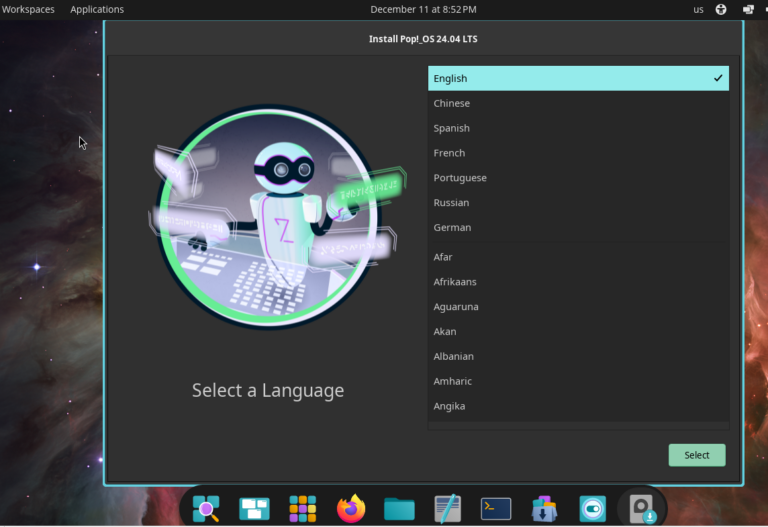
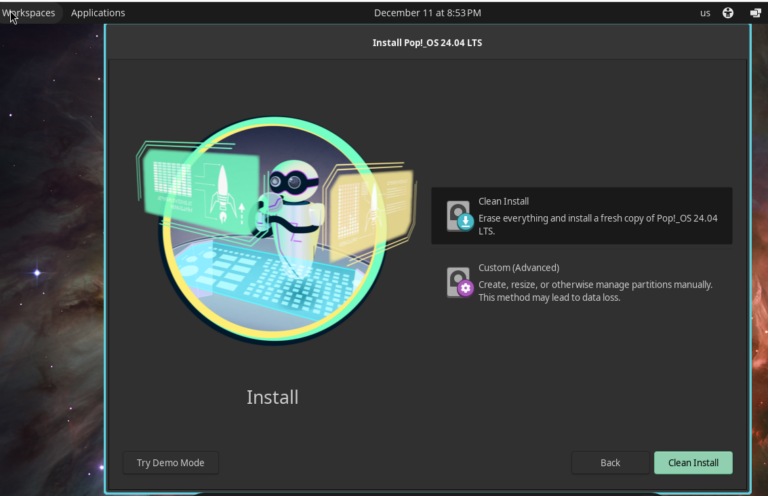
I decided to do a clean install, erasing the recently installed Fedora KDE Plasma.
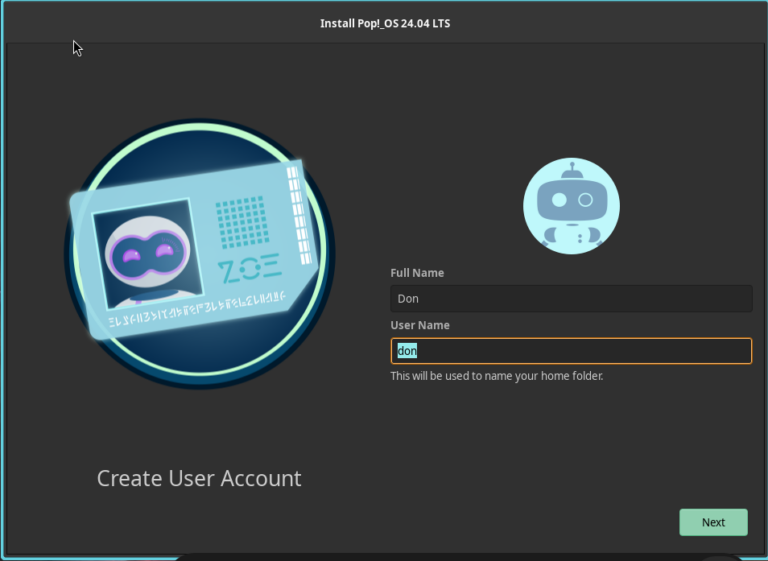
I was invited to create a user and provide a password.
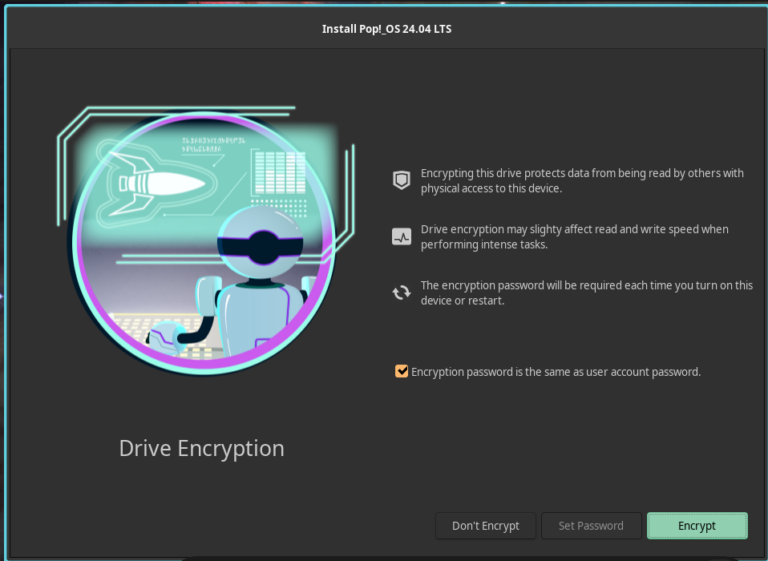
I chose not to encrypt my disk, but it’s configured to use your user password as the encryption password unless otherwise specified.
Installation proceeded quickly on my laptop. When the initial install was finished, I was invited to restart the computer. That’s when I began to see the changes brought by the COSMIC desktop.

Wow, this was a new feature! At the bottom-left of the initial login screen, I noticed I could set my accessibility options, including a screen reader, magnifier, high contrast, and inverted colors. This is such an important option for those of us who need accessibility options from the first login.
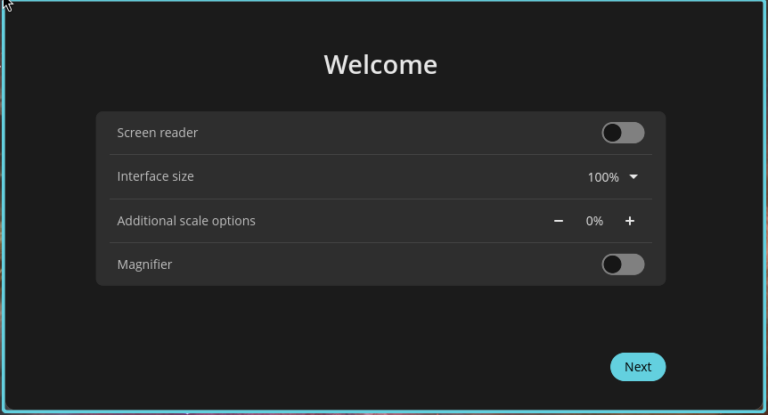
On the next screen, I can set the screen reader, interface size, additional scale options, and the magnifier. Kudos to System76 for putting accessibility first in COSMIC. The next screen is my chance to connect to the wireless networks I will be using. Following that is the choice of language I will be using. Then, a screen to set the keyboard layout, time zone, and location.
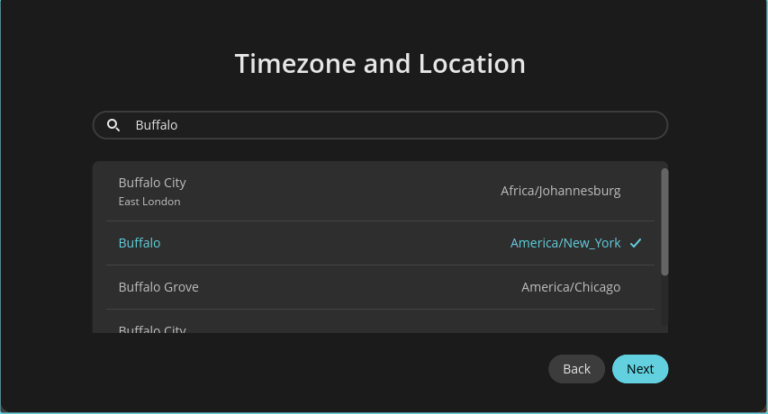
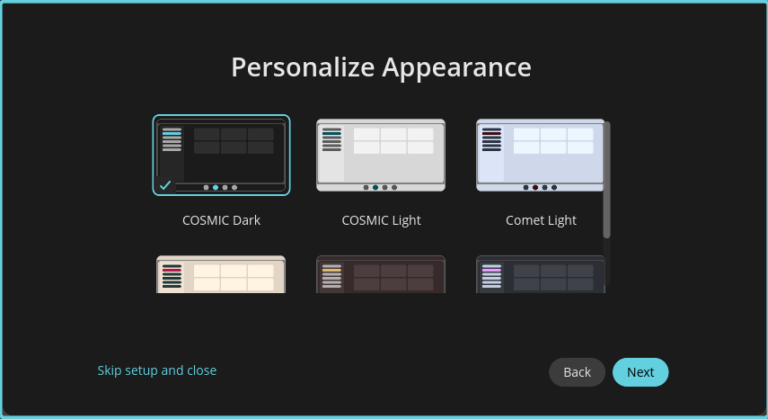
Next, I am provided with options for how I want my desktop to look. This is too cool.
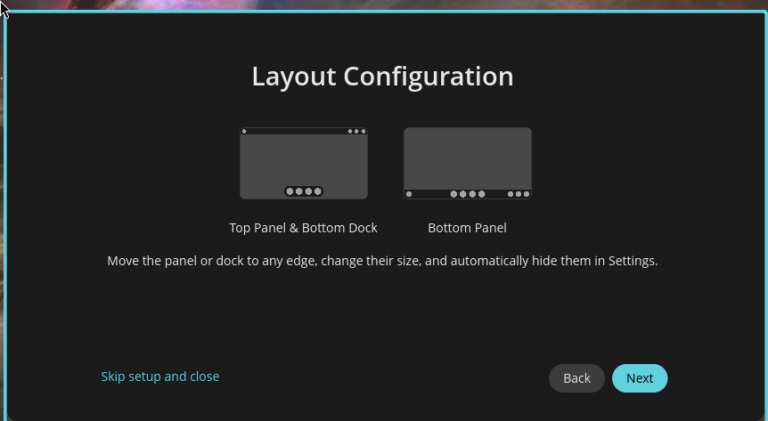
Next, I can choose how I want the dock to appear on my desktop. They really considered all the options I might want to customize my workspace, giving me maximum flexibility to tailor my workflow.
Choose whether your windows will float or tile.
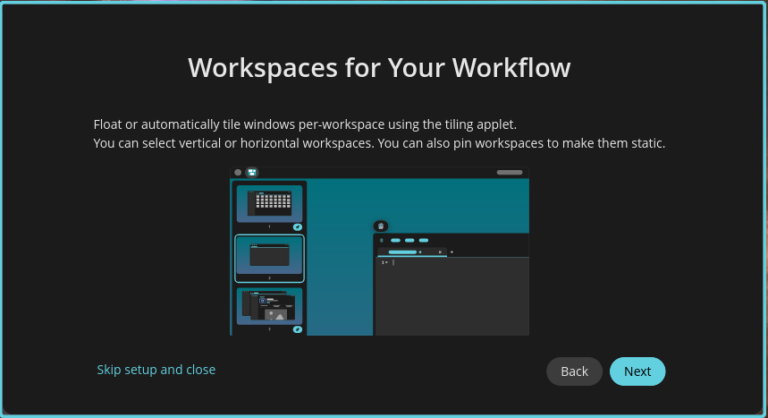
Then, an introduction to keyboard shortcuts to make window management easier.

The COSMIC desktop represents a significant shift in the way we interact with Linux environments. It’s worth exploring its development and features further by checking out the detailed articles on the System76 blog. This desktop environment is not only visually appealing but also highly functional, streamlining workflows and enhancing user experience. I find myself increasingly tempted to make it the primary interface for my System76 Meerkat, as its sleek design and innovative features are making a strong case for a permanent switch. The thoughtful design and user-centric approach make COSMIC a compelling option for anyone looking to elevate their Linux experience.

 Jim Hall