From ‘Obsolete’ to Opportunity: How Five Old PCs Found New Purpose
 Don Watkins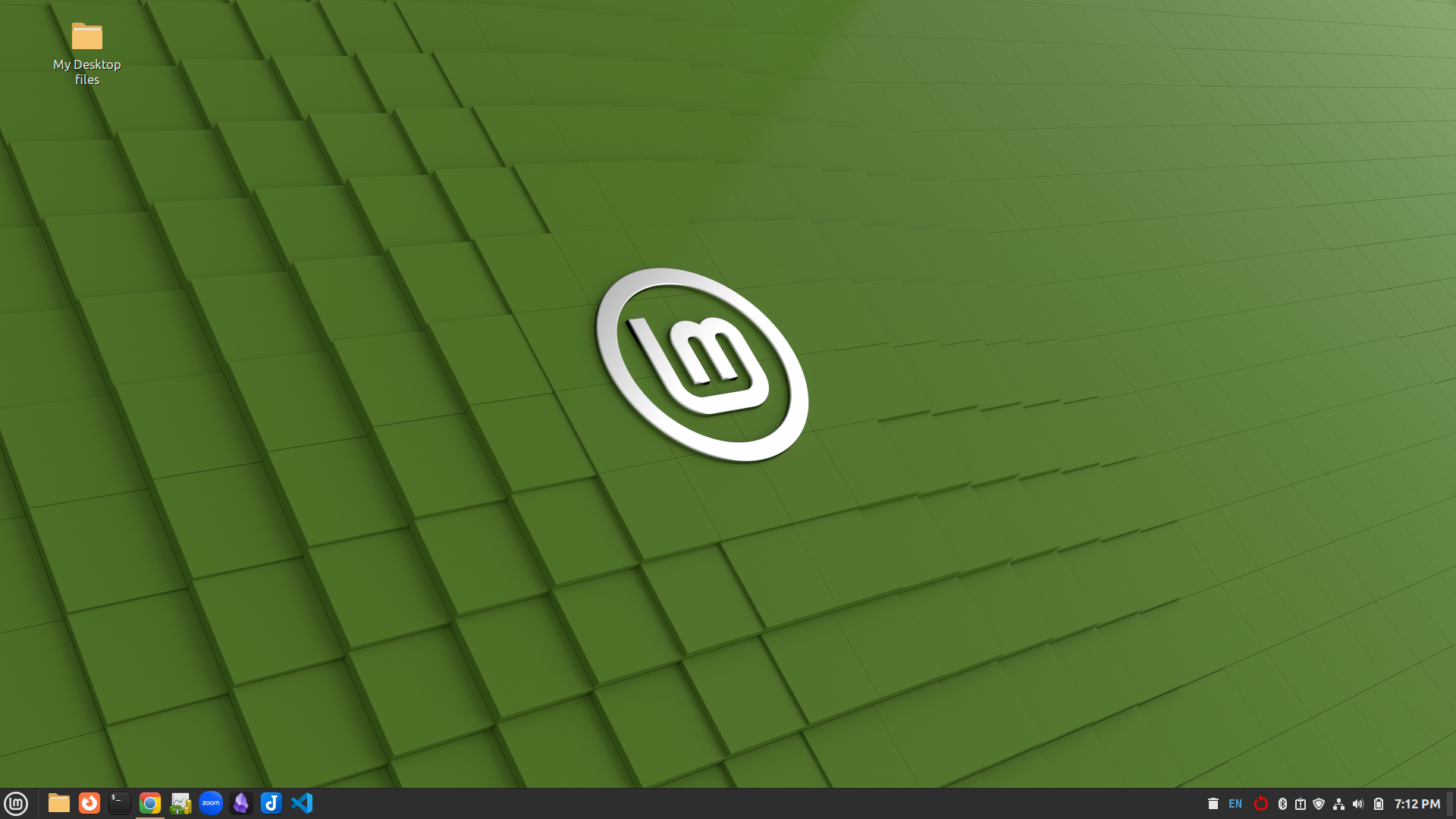
Linux Mint Cinnamon 21.2 desktop by Don Watkins CC by SA 4.0
I just finished volunteering at the local library, where five Dell Optiplex All-in-One computers were replaced by several newer All-in-One PCs running Windows 11. The library’s tech support does not support Linux, so the older PCs, which have i5 CPUs and 8 GB of RAM, were deemed obsolete. These Dell computers were manufactured in January 2015 and originally arrived at Blount Library as Windows 8 machines. They were later upgraded to Windows 10, but do not meet the Windows 11 Professional specifications.
I suggested that these old computers could be repurposed for use by open-minded patrons who were willing to use Linux as their operating system. Today, while volunteering, I installed Linux Mint Cinnamon 22.3 on each and prepared them for their new owners. I used the OEM install option for Mint Cinnamon, and in short order, five eleven-year-old machines were ready for their new assignments.
Here’s a good look at these older machines using inxi -b from the command line.
System:
  Host: oem-OptiPlex-9030-AIO Kernel: 6.14.0-37-generic arch: X86_64
  bits: 64
  Desktop: Cinnamon v: 6.6.4 Distro: Linux Mint 22.3 Zena

Machine:
  Type: Desktop System: Dell product: OptiPlex 9030 AIO V: 00
  serial: <superuser required›
  Mobo: Dell model: OVNGWR v: A00 serial: <superuser required›
  UEFI: Dell v: A22 date: 05/19/2019

CPU:
  Info: quad core Intel Core 15-4590S [MCP]
  speed (MHz): avg: 798 min/max: 800/3700

Graphics:
  Device-1: Intel Xeon E3-1200 v3/4th Gell Core Processor
  Integrated Graphics driver: 1915 v: kernel
  Device-2: Sunplus Innovation Integrated Webcam HD
  driver: uvcvideo type: USB

Display: x11 server: X.0rg v: 21.1.11 with: Xwayland v: 23.2.6
  driver: X: Loaded: modesetting unloaded: fbdev, vesa dri: crocus
  gpu: 1915 resolution: 1920x1080

API: OpenGL v: 4.6 compat-v: 4.5 vendor: intel mesa
  v: 25.0.7-Oubuntu0.24.04.2
  renderer: Mesa Intel HD Graphics 4600 (HSW GT2)

Network:
  Device-1: Intel Ethernet I217-LM driver: el000e
  Device-2: Intel Wireless 7260 driver: iwlwifi

Drives:
  Local Storage: total: 238.47 GiB used: 9.33 GiB (3.9%)

Info:
  Memory: total: 8 GiB available: 7.66 GiB used: 1.18 GiB (15.4%)
  Processes: 233 Uptime: 1m Shell: Bash inxi: 3.3.34
The hard disk may be small by today’s standards, but with 8 GB of RAM and built-in wireless and gigabit Ethernet, these machines will effectively serve their new clients. Each computer features a 23-inch display, an HDMI port, six USB-A ports, and a webcam. Their new owners will benefit from a stable operating system environment and access to hundreds of open-source software programs. They will be able to run the latest versions of Firefox, Opera, Brave, Chromium, and Chrome, providing a secure environment that functions well as a host. Additionally, these computers can support web conferencing via software such as Jitsi, Zoom, or similar platforms.
One of the computers has already been donated to the local Ischua Valley Historical Society, where it will be used by members and patrons for research and remote learning opportunities, which are abundant.
What could have been the end of the road for these 2015-era OptiPlex machines instead became the start of a new chapter. By giving them a clean, modern Linux Mint environment and preparing them for patrons who are open to exploring free and open‑source software, we’ve extended their usefulness by years—maybe longer. These systems may no longer meet Microsoft’s hardware requirements, but they remain fast, capable, and perfectly suited for everyday computing, research, and online learning.
More importantly, this small project demonstrates something bigger: with a bit of curiosity and a willingness to step outside the Windows‑only mindset, communities can stretch their resources, reduce e‑waste, and empower people with technology that’s stable, secure, and genuinely enjoyable to use. The first donation to the Ischua Valley Historical Society is already proof of that impact, and it’s easy to imagine many more local organizations benefiting from the same approach.
In the end, these five “obsolete” PCs aren’t obsolete at all—they’re reminders that thoughtful stewardship and open‑source tools can keep good hardware working for the people who need it most.

 Jim Hall