 Don Watkins
I have several computers: two are running Linux, and one is a MacBook Air. Additionally, I have an iPhone. Often, I want to easily transfer files and images between these devices. One option is to email the files to myself, but that can be cumbersome. I could also use Google Drive or Apple iCloud, but none of these solutions provides easy access across all three operating systems. Recently, while searching for open-source options on macOS, I came across LocalSend.
LocalSend is open source and licensed under Apache. It’s available for download on macOS, iOS, Android, Linux, and Windows. Eager to try it out I quickly installed it on the MacBook Air using Homebrew.
brew install --cask localsendI installed it on my Linux desktop using Flatpak and found it quickly in the Linux Mint software manager.
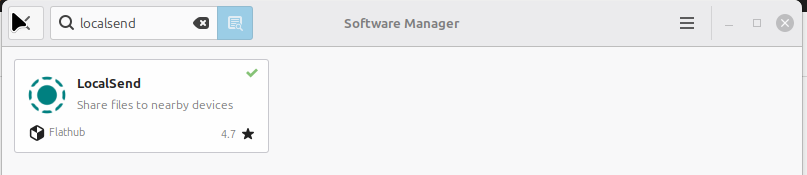
You can also download it as a .deb file or an AppImage on Linux. Installation was quick, and I was soon able to transfer files from the MacBook Air to the Linux Desktop easily. The devices must be on the same local area network.
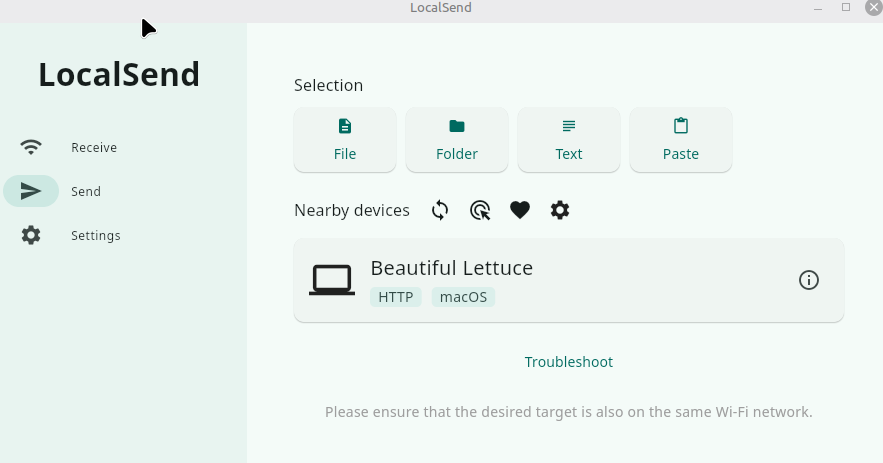
Using LocalSend is easy once it is installed. I opened LocalSend on the MacBook Air and on the Linux desktop. Each instance is uniquely identified with a name. The MacBook is identified as “Beautiful Lettuce,” the Linux desktop is “Neat Mango.” I can easily send or receive files. folders, text or copy and paste from one device to another.
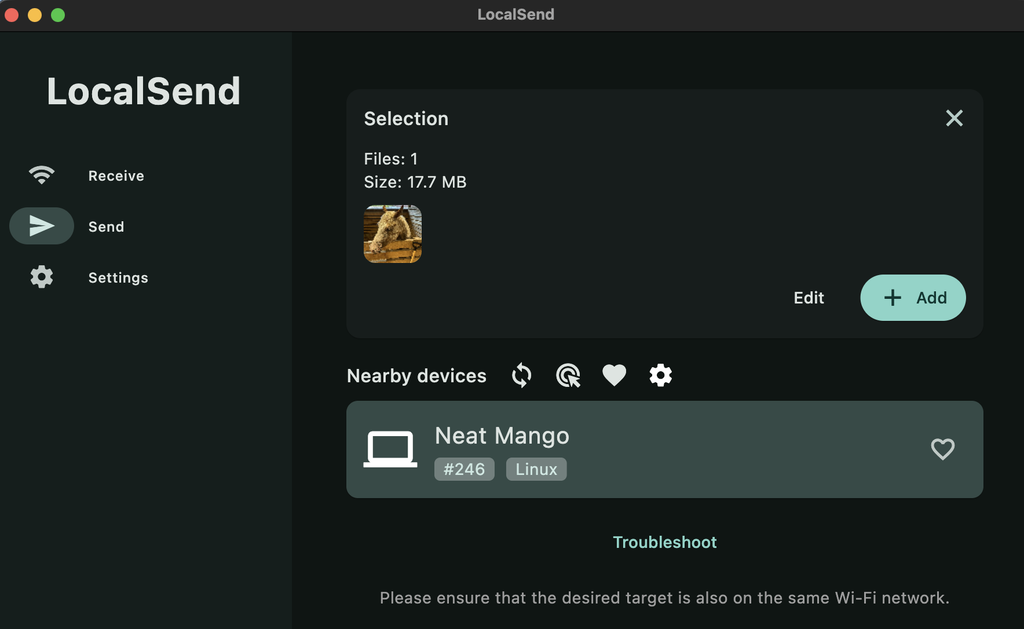
Opening LocalSend on the MacBook, I select an image of a horse I took recently at the nearby county fair. The Linux desktop is identified as “Neat Mango.” I click on “Neat Mango” and the file is easily transferred to the nearby Linux desktop.
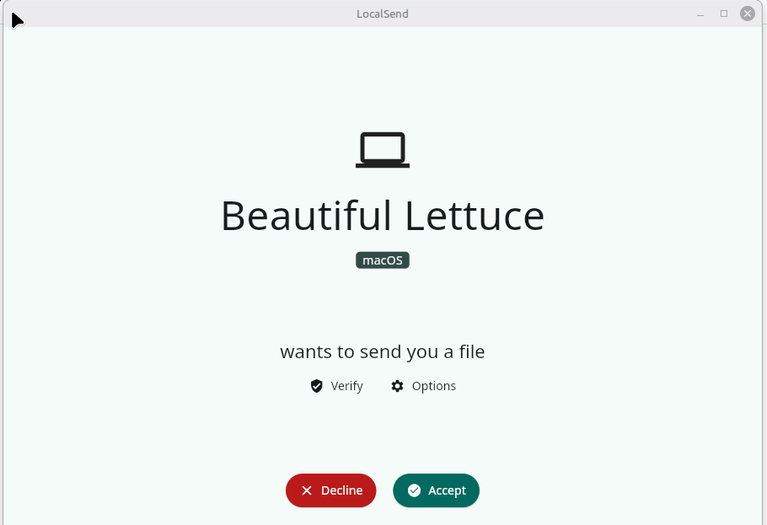
I receive a notification on the Linux desktop that I have a file waiting to be accepted from the MacBook, which is identified as “Beautiful Lettuce.”
In conclusion, LocalSend is an invaluable tool for seamlessly transferring files across my diverse devices. Its open-source nature and compatibility with multiple operating systems, including Linux, macOS, Windows, Android and iOS, make it a standout choice for anyone looking to simplify their file-sharing experience. The ease of installation and user-friendly interface further enhance its appeal, allowing me to move files quickly without the hassle of email or cloud storage services. I highly recommend LocalSend to anyone facing similar challenges transferring files between devices, as it offers a robust, efficient solution that meets the needs of users in today’s multi-platform world.


 David Both
 Jim Hall